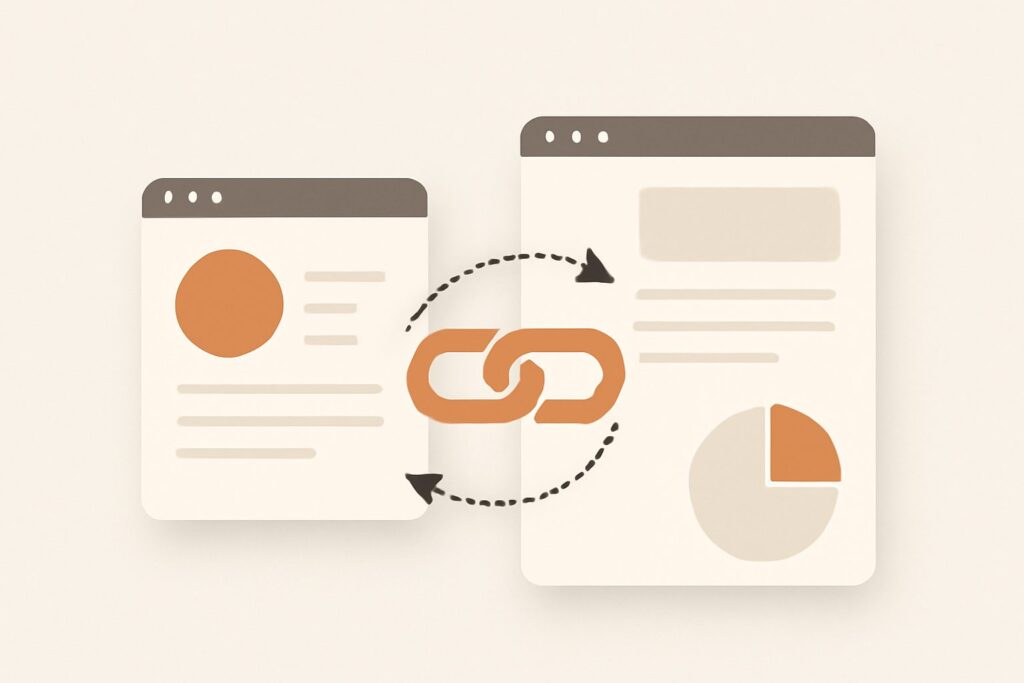
Most people treat GA4 cross domain tracking as a checkbox: add your domains in Admin, save, done. Then two weeks later they wonder why their conversion rate looks cut in half and why “google / organic” suddenly gets outranked by a referral from their own checkout provider. The setting isn’t the hard part. The hard part is that “configured” and “working” are two completely different states, and GA4 gives you almost no warning when you’re in the first one but think you’re in the second. This guide covers the mechanism underneath the checkbox, the exact steps, a worked example of what breaks, and how to prove the stitching actually happened.
What GA4 cross domain tracking really solves
GA4 identifies an anonymous visitor by a client_id — a random string stored in a first-party cookie named _ga. That cookie is scoped to the exact domain that set it. When a user moves from yourbrand.com to checkout.thirdparty.com, the second site cannot read the first site’s cookie, so it mints a brand-new client_id. GA4 now sees two different people, two sessions, and a fresh session start on the second domain.
The practical damage is attribution collapse. The session that started on your paid ad “ends” at the domain boundary, and a new, unattributed session claims the conversion. Your ad looks weak, your checkout provider looks like a traffic source, and your funnel shows a cliff that doesn’t exist in reality. Cross-domain measurement exists to keep one human being represented by one client_id across every hop in the journey, so the session — and its original source — survives the jump.
When you actually need it (and when you don’t)
You need cross-domain tracking whenever a single conversion path spans two or more registrable domains that you measure with the same property. The most common cases:
- A marketing site on one domain and the app or product on another.
- A checkout, booking, or payment step hosted by a third party (Shopify Payments on a subdomain of theirs, a Calendly domain, a Stripe-hosted page).
- Separate country or brand domains that funnel into one shared cart or account system.
You do not need it for subdomains. blog.yourbrand.com and shop.yourbrand.com already share the parent-domain cookie automatically — GA4 sets the _ga cookie at the registrable domain level by default. Adding subdomains to the cross-domain list is harmless but pointless, and people who do it often conclude the feature “isn’t working” because they were testing a scenario that never needed it.
The setup, step by step
The configuration lives in the Google tag settings, not in a menu labelled “cross domain.” In GA4: Admin → Data streams → your web stream → Configure tag settings → Configure your domains. Add a condition for each domain in the journey — including your own primary domain — using “contains” with the bare registrable domain (e.g. yourbrand.com, not https://www.yourbrand.com/). Save.
Two non-negotiable prerequisites people skip. First, the same Measurement ID (the G-XXXXXXX) must fire on every domain in the list; cross-domain tracking stitches sessions within one data stream, not across two separate properties. Second, if you deploy through Google Tag Manager rather than the gtag snippet, confirm the GA4 configuration tag actually loads on the destination domain — a third-party checkout you don’t control may not run your container at all, which no amount of Admin configuration can fix.
How the _gl linker parameter works
Once configured, the mechanism is a URL decoration called the linker. When a user clicks a link pointing to a domain on your list, the tag intercepts the click and appends a _gl parameter to the destination URL — something like ?_gl=1*abc123*.... That string carries an encoded copy of the current client_id (and session context). The destination page reads _gl, decodes it, and writes the same client_id into its own _ga cookie instead of generating a new one. Same identity, same session, source preserved.
Three properties of the linker matter in practice. It is short-lived — the token is valid for roughly two minutes, because it doubles as a light fraud check; a link someone bookmarks and opens tomorrow won’t stitch. It works on outbound clicks and form posts the tag can see, which is why redirect chains are so dangerous. And it is visible in the URL, which gives you your single best debugging signal.
A worked example: where the stitch breaks
Imagine a user clicks a Google Ads link to yourbrand.com, browses, then hits “Book now,” which points to booking.partner.com. Configured correctly, the click carries _gl, the booking domain adopts the original client_id, and the eventual purchase is attributed to google / cpc. One user, one session, correct source.
Now insert one server-side redirect — say the button goes to yourbrand.com/go?to=booking which issues a 302 to the partner. The server strips the query string on the way through, the _gl token never reaches booking.partner.com, and the booking domain mints a fresh client_id. The result: your ad gets credit for a bounce, and yourbrand.com shows up as a referrer in the partner’s session. Same Admin configuration, opposite outcome — and nothing in the GA4 interface tells you which one you’re living in. That gap between “saved the setting” and “the token survived the hop” is exactly why verification is the real job.
Verifying it, because configured is not working
Run these four checks in order, and don’t trust the setup until all four pass:
- The URL check. Click the real cross-domain link on the live site and look at the destination address bar. If
_gl=is present, the linker fired. If it’s missing, the click never got decorated — stop here and fix that first. - DebugView. Enable debug mode and walk the full journey. You should see one
session_startfor the whole path, not a second one when you cross the boundary. A freshsession_starton the second domain means the stitch failed. - Realtime. During the walk, Realtime should show a single active user moving across pages, not two users appearing.
- The 48-hour referral read. Standard reports settle after 24–48 hours. Once they do, your other domains should be absent from Traffic acquisition as sources. If they still appear, stitching is leaking somewhere in the funnel.
Unwanted referrals: the setting people confuse it with
There is a separate control called Unwanted referrals (Admin → Data streams → Configure tag settings → List unwanted referrals). It does something different and it is not a substitute. Cross-domain tracking preserves the client_id so the session never breaks. Unwanted referrals is a cosmetic filter that tells GA4, “if a session’s source is this domain, ignore it and keep the previous source.” People add their payment processor to the unwanted-referrals list, see the referral disappear from reports, and assume they’ve fixed cross-domain tracking. They haven’t — they’ve suppressed one symptom while the session is still being split underneath. Use unwanted referrals for domains you genuinely can’t stitch (a hosted checkout that won’t run your tag), and use cross-domain tracking everywhere you can.
Consent mode, ad blockers, and honest limits
No configuration gives you 100% stitching, and pretending otherwise leads to bad decisions. Ad blockers and privacy extensions can prevent the tag from loading on one domain, killing the linker for that user. Safari’s Intelligent Tracking Prevention caps the lifetime of client-side cookies, so returning users may not carry the same client_id across days even within one domain. And if you run Google Consent Mode, a user who denies analytics storage produces cookieless pings with no persistent client_id to stitch at all — cross-domain measurement simply can’t apply to sessions that were never allowed a cookie. Treat cross-domain tracking as improving accuracy from “badly broken” to “directionally solid,” never as a promise of perfect stitching.
Reading the results without fooling yourself
After you fix cross-domain tracking, expect user counts to drop and conversion rates to rise — because you were previously double-counting people and diluting your conversion base with orphaned second sessions. That’s the correct direction, not a regression. Don’t compare pre-fix and post-fix periods as if they measure the same thing; they don’t. Annotate the change date and start your trend line fresh from there — the same discipline SEO Rocket applies to rank tracking, where a single day’s jitter means nothing without a trend line behind it.
GA4’s own numbers are estimates built on sampled, consent-limited, ad-blocked data, so treat them as directional and cross-check the decisions that matter. This is where GA4 sits inside a wider measurement picture: analytics tells you what happened after the click, but it can’t tell you which keywords and pages are worth the click in the first place. That’s a different data source. In SEO Rocket we pair the “did it convert” question with the “was it the right query” question — AI keyword research on real Ahrefs data, competitor content-gap analysis, and rank tracking — so the traffic you’re carefully stitching in GA4 is traffic worth having, not just traffic you measured cleanly.
Frequently asked questions
Do I need cross domain tracking for subdomains?
No. GA4 stores the _ga cookie at the registrable-domain level, so all subdomains of the same parent domain already share one client_id automatically. Cross-domain configuration is only needed when the registrable domains differ.
Why do I still see my own domain as a referral after setup?
Almost always because the _gl parameter is being stripped somewhere — a server-side redirect, a link the tag can’t decorate, or a destination that never loads your GA4 tag. Do the URL check on the real link first; if _gl= isn’t reaching the destination, that’s your culprit, not the Admin setting.
Does the same Measurement ID have to be on every domain?
Yes. Stitching happens within a single data stream. If two domains send to two separate properties or two different Measurement IDs, cross-domain tracking cannot merge those sessions no matter what you list in the domains configuration.
How long does the linker parameter stay valid?
Roughly two minutes. The token is deliberately short-lived as a light anti-fraud measure, so it stitches live clicks but won’t work on a bookmarked or shared link opened much later.
The short checklist
To get GA4 cross domain tracking from “saved” to “trusted”: list every registrable domain in the journey (including your own), confirm the same Measurement ID fires on all of them, kill any server-side redirects that strip the query string, then verify with the four-step check — _gl in the URL, one session_start in DebugView, one user in Realtime, and no self-referrals after 48 hours. Do that once, annotate the date, and stop treating the checkbox as proof. The setting is trivial; the verification is the work, and it’s the only thing that separates data you can act on from a dashboard that quietly lies to you.