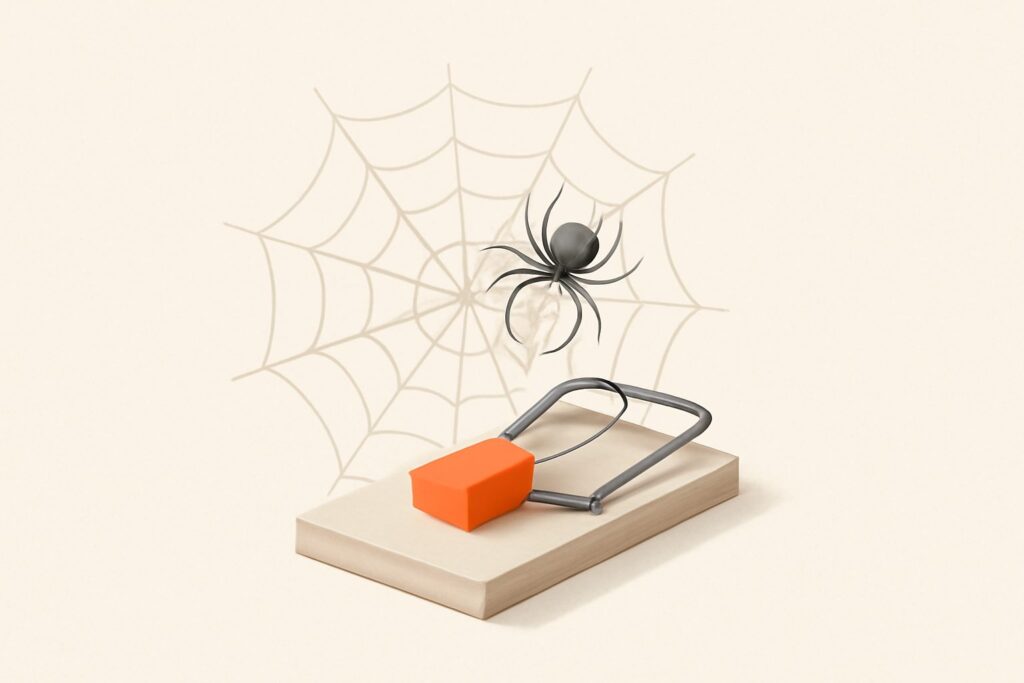
Most guides treat spider traps as a rare, exotic bug — something that only happens to badly coded sites. That framing is wrong, and it’s why so many sites bleed crawl budget for months without noticing. A spider trap isn’t a crash; it’s a structure that generates a near-infinite set of low-value URLs that a crawler dutifully follows because your own HTML told it to. The bot never gets “stuck” in the dramatic sense. It just spends its finite request budget walking an endless hallway of parameter permutations while your genuinely important pages wait at the back of the render queue. The damage is silent, cumulative, and completely fixable once you know the shape of the problem.
What a Spider Trap Actually Is
A spider trap — also called a crawler trap or a crawl trap — is any part of a website that produces an unbounded or absurdly large number of crawlable URLs from a small amount of real content. The classic academic definition covers infinite directory structures like /a/b/a/b/a/b/ and calendars that link forever into the future. In practice, on real commercial sites, the traps are subtler: a faceted product filter, a session ID appended to every link, an internal search results page that links to more search results. Each one is a machine for minting fresh URLs, and Googlebot follows internal links by default.
The reason this matters is a concept Google calls the crawl budget: the number of URLs Googlebot is willing to fetch from your host in a given window, governed by your server’s capacity and how much Google thinks your content is worth re-crawling. A trap doesn’t blow past that budget — it consumes it on garbage. If 80% of the URLs Googlebot discovers on your site are filter combinations that all show the same twelve products, that’s 80% of your crawl allocation not spent on your new landing pages, refreshed guides, or updated product data.
Crawling, Rendering, Indexing — Why the Distinction Matters Here
To reason about spider traps correctly you have to keep three stages separate, because a trap can poison all three. Crawling is Googlebot fetching a URL’s raw HTML. Rendering is a headless Chromium executing that page’s JavaScript to see the final DOM — this happens later, from a render queue, and it’s expensive. Indexing is the decision to store the processed page and make it eligible to rank. A trap inflates the crawl stage with junk URLs, and if those junk URLs are JavaScript-heavy, it also clogs the render queue. Very few of those trap URLs will ever be indexed — but the cost was already paid in crawling and rendering, which is exactly the waste you’re trying to eliminate.
The Six Traps You’ll Actually Encounter
Nearly every real-world spider trap is one of these patterns. Learn to recognize them by their URL signature.
- Faceted navigation. Filters for color, size, price, brand, and sort order combine multiplicatively. Five filters with five options each is thousands of URL combinations —
?color=red&size=m&sort=price&page=2— nearly all returning the same underlying products. This is the single most common trap on e-commerce sites. - Calendars and date navigation. A booking or events widget with “next month” links that generate
/calendar/2029/11and onward forever. There is no last page. - Session IDs and tracking parameters in URLs.
?sessionid=8f3a...or?ref=appended to internal links means every crawl of the same page looks like a brand-new URL, duplicating the entire site once per session. - Internal search result pages. If your on-site search results are crawlable and link to related searches, the bot can walk an unbounded graph of query permutations.
- Relative-path and mirror loops. A broken relative link resolves to
/shop/shop/shop/category, each level a valid-but-wrong page, deepening without end. - Redirect chains and loops. A 301 to a URL that 301s back, or a five-hop chain, burns fetches and can strand the crawler before it reaches real content.
How to Find Spider Traps in Your Logs
You cannot fix what you can’t see, and spider traps are invisible in a normal page-by-page review because no human ever clicks these URLs. The ground truth lives in your server access logs. Filter the logs to verified Googlebot requests (confirm by reverse DNS, not just the user-agent string), then aggregate. Two signals give the trap away immediately: an enormous count of unique URLs sharing one path prefix or one query parameter, and a huge share of crawl requests hitting URLs that return thin, near-duplicate content. If Googlebot fetched 40,000 URLs last week and 34,000 of them carry ?sort= or ?sessionid=, you’ve found your trap.
Google Search Console‘s Crawl Stats report (under Settings) is the no-log-access version. Watch total crawl requests over time and the breakdown by response and by file type. A spike in crawl requests with flat or falling indexed pages is the classic trap fingerprint — Googlebot is working harder and getting less. The Pages report’s “Crawled – currently not indexed” and “Discovered – currently not indexed” buckets are where trap URLs pile up; a rapidly growing count there is a warning light.
Log Files vs. a Continuous Crawl
Raw log analysis is the deepest form of trap detection, and for enterprise sites with millions of URLs a dedicated log-file tool still earns its place — nothing else shows you exactly where real Googlebot spent its budget. But log parsing is a periodic, manual chore most teams never actually do. The complementary layer is a real crawler that walks your site the way Googlebot does and flags the structural causes before they metastasize. SEO Rocket’s site audit does exactly that: it crawls your live site, surfaces redirect chains, near-duplicate and thin pages, parameter-driven duplication, and broken internal links, and explains the fix for each — continuously, with no desktop setup. Think of it as the always-on layer that catches the trap forming; the log file is the forensic confirmation of what it cost you.
Fixing Faceted Navigation — the Big One
Facets need a deliberate policy, not a single switch. Decide which filter combinations have genuine search demand (a “red running shoes” page might deserve to rank) and which are pure noise (sort order, session state, arbitrary multi-filter stacks). For the valuable few, keep them crawlable and give each a self-referencing canonical and clean, static-looking URLs. For the noise — the vast majority — block the parameter patterns in robots.txt so Googlebot never fetches them:
User-agent: *
Disallow: /*?sort=
Disallow: /*?sessionid=
Disallow: /*&sort=
Two supporting moves matter. Set rel="canonical" on filtered pages pointing to the clean category URL so any that do get crawled consolidate signals. And prefer that filter links use standard crawlable anchors only where you want them followed — where you don’t, delivering the filtered view via a mechanism Googlebot doesn’t treat as a fresh link keeps the combinatorial explosion from ever entering the crawl graph.
noindex vs. disallow — Get This Right or the Fix Backfires
This is the mistake that quietly ruins trap remediation, so read it twice. Disallow in robots.txt stops crawling. A noindex meta tag stops indexing. They are not interchangeable. Here’s the trap-within-the-trap: if you both Disallow a URL and add a noindex tag to it, Google can never fetch the page, so it never sees the noindex. The URL can then linger in the index as a “blocked” listing indefinitely. The rule of thumb: to keep a page out of the index, allow crawling and use noindex; to stop wasting crawl budget on a large family of never-valuable URLs, use Disallow and accept that a few may show as bare listings. For most spider-trap URLs — infinite facets, session IDs, calendars — Disallow is correct because the goal is to protect crawl budget, and you don’t care whether they’re indexed.
Fixing Calendars, Sessions, and Search Pages
Each remaining trap has a clean, specific remedy. For infinite calendars, cap the crawlable range — link only to dates with real content and block the deep-future paths in robots.txt (Disallow: /calendar/20*/ beyond a sensible horizon). For session IDs and tracking parameters, the durable fix is architectural: store session state in cookies, not URLs, so the canonical URL never mutates; append tracking parameters only via redirects that resolve to the clean URL. For crawlable internal search, add Disallow: /search (or your search path) to robots.txt — on-site search results almost never deserve to be crawled, let alone indexed. And note what’s obsolete: rel="next"/"prev" for pagination was deprecated by Google years ago and does nothing now. Handle paginated series by ensuring each page self-canonicalizes, links back to the root category, and exposes its items through crawlable links rather than trying to signal sequence to Google.
Fixing Redirect Chains and Loops
Redirect problems waste fetches even when no infinite URL space exists — every hop is a request Googlebot could have spent elsewhere. Audit for chains of two or more redirects and collapse them: point the original URL straight at the final destination with a single 301. A genuine loop (A→B→A) will stall the crawler entirely at that path. A correct server-level redirect looks like this in nginx:
location = /old-path {
    return 301 https://example.com/new-path;
}
Serve real HTTP status codes throughout — a 200 on a page that should be a 404 (a “soft 404”) is its own trap, because it invites the crawler to keep discovering thin dead ends that look alive. A continuous audit that flags status-code mismatches, chains, and soft 404s turns this from a quarterly cleanup into a caught-on-day-one signal.
Frequently Asked Questions
Do spider traps hurt rankings directly?
Not directly — Google won’t demote you for having them. The harm is indirect but real: wasted crawl budget means your important pages get crawled and refreshed less often, new content takes longer to be discovered and indexed, and updates to money pages lag. On large sites, that discovery delay is a genuine competitive drag.
How much crawl budget do I actually have?
There’s no published number, and it varies by site size, server speed, and content freshness. Small sites (a few thousand URLs) rarely hit their ceiling, so traps matter far more for large e-commerce, listings, and publisher sites. Check GSC Crawl Stats: if total crawl requests dwarf your real page count, you have a budget problem worth fixing.
Will blocking trap URLs in robots.txt lose me traffic?
Only if you block URLs that were actually earning traffic — which is why you audit first. Genuine faceted pages with search demand stay crawlable; you block the combinatorial noise. Done right, blocking concentrates crawl budget on pages that can rank, which usually helps discovery, not hurts it.
Can I just wait for Google to figure it out?
Google’s systems do eventually crawl obvious junk less, but “eventually” can be months, and Discovered-not-indexed URLs keep accumulating in the meantime. Explicit signals — Disallow, canonical, clean status codes — resolve it in one crawl cycle instead of leaving it to guesswork.
The Continuous Fix Beats the One-Off Sweep
Spider traps aren’t a bug you fix once; they’re a class of problem that reappears every time a developer ships a new filter, a marketer adds a tracking parameter, or a CMS update changes how URLs are generated. The teams that stay clean don’t run a heroic quarterly log audit — they monitor continuously so a new trap is caught in the crawl cycle it’s born in. That’s the model behind a playbook proven across 1,000,000+ ranking pages: catch the structural issue while it’s small, apply the specific fix, and keep Googlebot’s finite attention pointed at the pages that actually earn rankings. A real-crawler audit that flags the problem and names the fix — like SEO Rocket’s — is what turns crawl-budget hygiene from an occasional scramble into a background process.