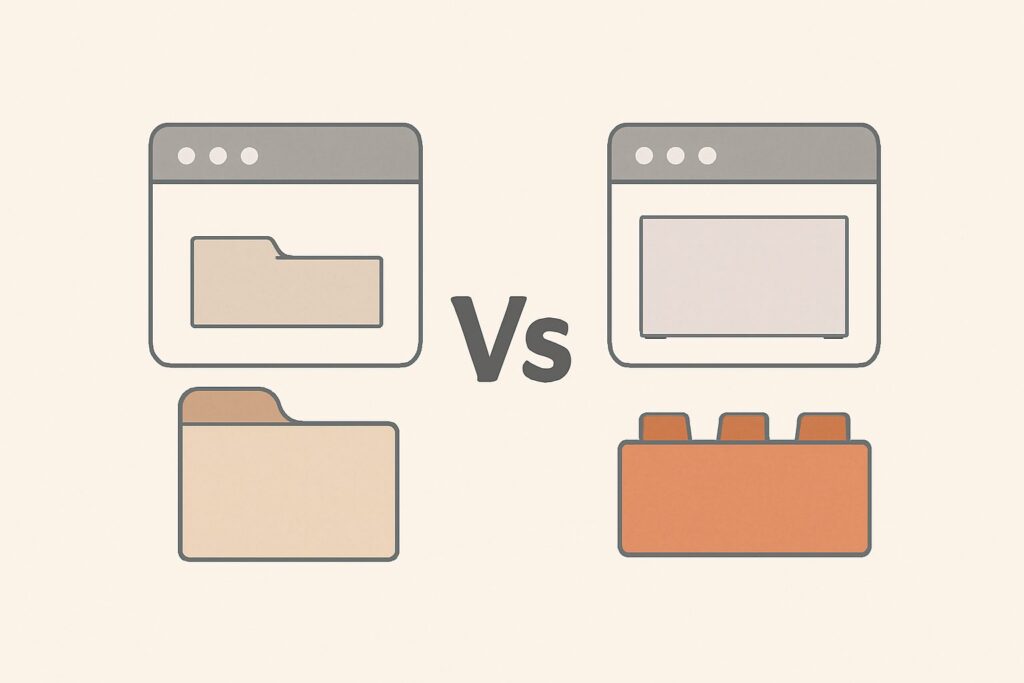
Should your blog live at blog.example.com or example.com/blog? Should your help center sit on support.example.com or example.com/support? This is one of the most persistent architecture debates in SEO, and the honest answer is nuanced: Google has stated its systems can treat subdomains and subdirectories equivalently, but a large body of real-world migration case studies shows subdirectories consolidating ranking authority more reliably in practice. This guide covers the subdomain vs subdirectory SEO decision from both angles, then walks through exactly how to migrate a subdomain into a subdirectory if you decide consolidation is the right move.
How Google Actually Treats Subdomains vs Subdirectories
Technically, Google’s crawling and indexing systems are capable of treating a subdomain as part of the same overall site as its root domain, and Google representatives have said as much publicly — a subdomain isn’t automatically penalized or treated as a completely separate entity. In principle, links, content quality signals, and topical relevance on a subdomain can still contribute to how Google understands the parent domain.
In practice, though, Google’s systems make their own judgment calls about how closely to associate a subdomain with the root domain, and that judgment isn’t always generous. Different subdomains can end up being evaluated with somewhat independent trust and authority profiles, especially when they have different content types, different technical setups, or were historically treated as separate properties (different CMS, different hosting, different site sections that grew up independently). A subdirectory, by contrast, is unambiguously part of the same site in the URL itself — there’s no interpretation required.
Subdomain vs Subdirectory: A Side-by-Side Comparison
| Factor | Subdomain (blog.example.com) | Subdirectory (example.com/blog) |
|---|---|---|
| Google’s official stance | Can be treated as part of the main site | Unambiguously part of the main site |
| Authority consolidation in practice | Sometimes evaluated with separate trust signals | Directly inherits root domain authority |
| Technical separation | Easy to run on different CMS/hosting/stack | Typically shares the same platform as the main site |
| Analytics and reporting | Often tracked as a separate property | Naturally rolls up with the rest of the site |
| Common real-world outcome after consolidation | N/A | Many case studies report organic traffic gains post-migration |
Neither option is “wrong” in isolation, and plenty of large, successful sites run parts of their business on subdomains without issue — particularly for genuinely distinct products or apps (a login portal, a job board, a documentation platform with its own build system) where the technical separation is doing real work. The subdomain vs subdirectory SEO question becomes most important when the content in question is closely related to your core site — a blog, a resource hub, a knowledge base — and could plausibly reinforce the same topical authority as your main pages.
Why Consolidating Into a Subdirectory Can Concentrate Authority
The core argument for subdirectories is consolidation: every backlink, every piece of internal linking equity, every signal of topical relevance accumulates in one place instead of being split across two properties that Google may or may not fully unify. A blog on a subdomain that’s earned links and rankings of its own is, in effect, a second site competing for its own authority rather than reinforcing the main domain’s. Move that content into a subdirectory of the primary domain, and those signals become part of the same authority pool driving your core commercial pages.
This is why so many companies that migrate a blog or resource section from a subdomain to a subdirectory report organic growth afterward — not because subdomains are penalized, but because consolidation removes the uncertainty about how much authority-sharing was actually happening between the two, and replaces it with a structure where the answer is simply “all of it, unambiguously.” If your subdomain content is thin, unrelated to your main business, or actively hurting overall site quality signals, moving it into your main structure can also mean moving those problems in with it — so this decision should follow a genuine content and quality audit, not just a structural preference.
Planning the Migration: What to Decide First
Before migrating, get clear on scope. Crawl the subdomain to build a full inventory of every URL, cross-referenced against Search Console performance data and backlink data so you know which pages carry real value and need careful redirect handling. Decide on the new URL pattern under the subdirectory (matching your existing site’s URL conventions rather than inventing a new one), and check for any URL collisions — cases where a page on the subdomain would map to a path that already exists on the main site.
It also helps to set expectations internally before work starts. Stakeholders who are used to seeing the subdomain’s traffic reported as a distinct number sometimes read a post-migration dip in that number as bad news, even though the content itself hasn’t lost anything — it’s simply now rolled into the main site’s overall reporting. Deciding in advance how you’ll track combined performance avoids that confusion later.
Also confirm the technical path: can your main site’s CMS and hosting actually support the content type currently running on the subdomain? Migrating a complex app or forum into a subdirectory sometimes requires real engineering work, not just a redirect rule, so scope that honestly before committing to a timeline.
Executing the Migration Step by Step
Once the plan is set, migration follows a consistent sequence. First, build the content and technical infrastructure at the new subdirectory URLs, and verify it renders correctly before anything goes live publicly. Second, implement 301 redirects from every old subdomain URL to its corresponding new subdirectory URL — a full one-to-one map, not a blanket redirect of everything to the subdirectory’s homepage, which wastes the specific relevance and equity each individual page had built up. Third, update every internal link across your entire site (not just within the migrated section) that still points to the old subdomain paths, including navigation, footers, and any hardcoded links in older content.
Fourth, update your XML sitemaps to list only the new subdirectory URLs, and submit the updated sitemap in Search Console. Fifth, add and verify the subdirectory in Search Console if it wasn’t already covered by your main property, and keep the old subdomain property active (don’t delete it) so you can continue monitoring how Google is processing the redirects during the transition. Finally, update canonical tags, structured data, and any hardcoded absolute URLs in templates or scripts so nothing on the new subdirectory still references the old subdomain.
What to Watch After Migration
Expect a period where rankings for the migrated content shift around while Google reprocesses the redirects and reassociates the content with the new URLs — this is a normal part of any structural migration, not evidence of a mistake. Watch Search Console’s Coverage and Redirect reports closely for the first several weeks: you’re looking for old subdomain URLs being recognized as properly redirected, and new subdirectory URLs getting crawled and indexed at a healthy pace. If specific high-value pages seem stuck, check first for redirect chains, missed internal links, or canonical mismatches before assuming anything more serious is wrong. Full stabilization typically lines up with a complete crawl and index refresh cycle rather than happening within days, so give the migration real time before drawing conclusions.
A subdomain-to-subdirectory move touches a lot of moving technical parts at once, which makes ongoing monitoring especially valuable during and after the transition. SEO Rocket helps you monitor rankings and technical health continuously through and after this kind of migration, flagging issues like broken redirects or missing canonicals before they become bigger problems. There’s a free plan to start, with paid plans from $49/month: app.seorocket.ai.