Every URL on your site is a small promise: it tells Google, other websites, and your own visitors exactly where a piece of content lives. Break that promise without a plan, and you can lose years of accumulated ranking signals in a matter of days. A url structure change is one of the highest-risk moves in SEO — not because Google can’t handle it, but because so many sites execute it carelessly, leaving orphaned pages, broken redirects, and confused crawlers behind. Done properly, a URL structure change can be completely safe and sometimes genuinely beneficial. This guide walks through how to plan, map, and execute the change so your rankings survive the transition intact.
Why Changing URL Structure Is Risky for SEO
Search engines don’t just index your content — they index the specific URL that content lives at. Backlinks point to that URL. Your internal linking points to that URL. Users have bookmarked that URL. Social shares reference that URL. When you change the structure — say, moving from /blog/post-title to /category/post-title, or dropping date stamps from your permalinks, or restructuring category folders — every one of those references becomes stale unless you account for it.
The risk isn’t theoretical. If even a modest percentage of your URLs change without a corresponding redirect, you effectively delete those pages from Google’s perspective. The new URL has no history, no accumulated trust, and has to earn its way back into the index. Multiply that across a whole site and you get the kind of traffic collapse that takes months to recover from — often longer than it needed to, because the underlying cause (missing or broken redirects) never gets properly fixed.
None of this means you should never touch your URLs. It means a url structure change has to be treated as a migration project, not a quick find-and-replace in your CMS settings.
Before You Touch a Single URL: Audit and Plan
Start by getting a complete picture of what exists today. Crawl your own site (or export a full URL list from your CMS or sitemap) so you have a definitive inventory — not a guess — of every indexable page. Cross-reference that against:
Google Search Console‘s indexed URL list and top-performing pages, your analytics for organic landing pages over the last 12 months, and your backlink profile, so you know which URLs are carrying external link equity that absolutely cannot be dropped. Pages with strong backlinks and steady organic traffic are your highest-priority URLs to get right; a redirect mistake on your best-performing page does far more damage than one on a page nobody visits.
Only once you have this inventory should you decide on the new structure. Ask whether the change actually solves a real problem — flatter architecture, clearer categories, shorter URLs, removed duplicate content patterns — or whether it’s a preference-driven change that isn’t worth the risk. If you can’t articulate the concrete benefit, that’s a signal to hold off.
Building a Complete Old-to-New Redirect Map
The redirect map is the single most important artifact in a URL structure change. It is a spreadsheet (or database table) with one row per existing URL, mapping it to exactly one new destination. Nothing should be left unmapped, including URLs you plan to remove — those should map to the closest relevant replacement, or to a logical parent category if no true equivalent exists.
Build it methodically: list every old URL from your crawl, assign its new URL under the revised structure, and note the redirect type. Almost everything should be a 301 (permanent) redirect, since that’s what passes the most link equity and tells search engines the move is permanent. Avoid 302s for anything you intend to keep changed — a 302 tells Google the old URL might come back, which slows down the transfer of ranking signals.
| Old URL | New URL | Redirect Type | Notes |
|---|---|---|---|
| /2019/05/best-running-shoes | /guides/best-running-shoes | 301 | Date stamp removed, moved into guides folder |
| /blog/category/nutrition/protein-guide | /nutrition/protein-guide | 301 | Category depth flattened by one level |
| /shop/mens-shoes-page | /mens/shoes | 301 | Simplified, keyword-relevant slug |
| /old-promo-2021 | /deals | 301 | No direct equivalent; mapped to closest live parent |
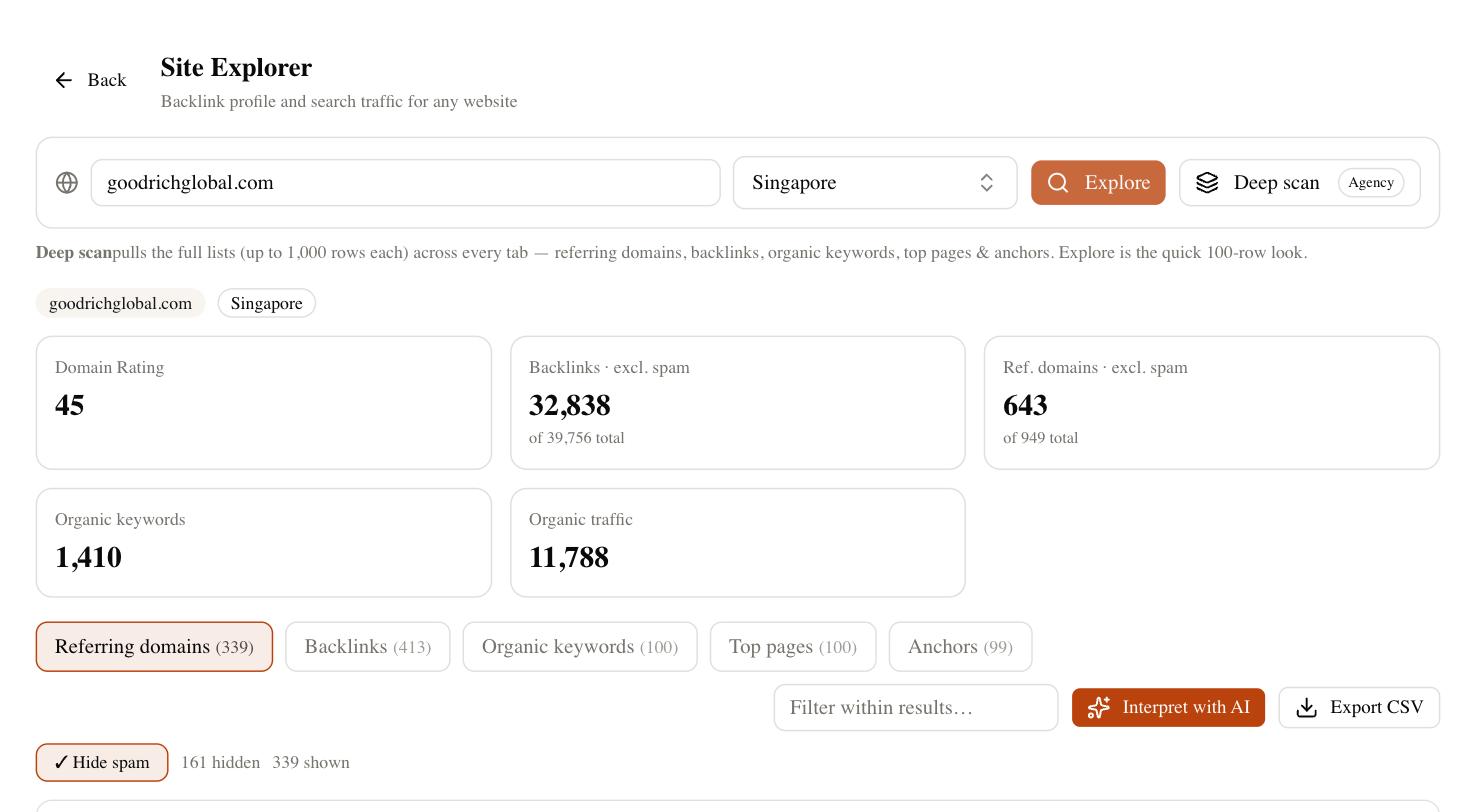
Test the map before launch wherever possible — a staging environment with the new URLs live, and the redirect rules applied, lets you click through the whole map and confirm every old URL lands on the intended new one with a single hop and no chain.
Updating Internal Links, Canonicals, and Sitemaps
Redirects are a safety net, not a strategy. Relying on Google to follow hundreds or thousands of internal redirect hops to figure out your site’s real structure is slow and wastes crawl budget. Once the redirect map is live, go back through your own site and update every internal link — navigation menus, footer links, in-content links, related-post modules, breadcrumbs — to point directly at the new URLs, not the old ones being redirected.
Update canonical tags on every page so they reference the new URL as the canonical version. If any page still has a self-referencing canonical pointing to the old path, you’re sending mixed signals to Google about which URL should actually be indexed. Regenerate and resubmit your XML sitemap so it lists only the new URLs — an old sitemap still referencing pre-migration paths just adds noise and slows discovery of the new structure. Finally, update any hreflang tags, structured data URLs, and Open Graph/canonical meta tags that hardcode the old paths.
Avoiding Redirect Chains and Loops
A redirect chain happens when URL A redirects to URL B, which itself redirects to URL C. Each additional hop adds latency, dilutes the strength of the signal being passed, and in extreme chains can cause Google to simply stop following the trail. This is common on sites that have been through multiple structure changes over the years, with each migration adding another link onto an already-long chain instead of updating the original redirect to point straight at the current destination.
The fix is straightforward but requires discipline: whenever you build a new redirect map, check every existing redirect rule and repoint it directly to the final, current URL — never to an intermediate one. A redirect loop, where A redirects to B and B redirects back to A, is even more damaging, since it can trap crawlers and browsers in an infinite cycle; these usually happen from copy-paste errors in bulk redirect rules and are worth explicitly testing for before launch.
When a URL Structure Change Is (and Isn’t) Worth It
Not every messy URL is worth fixing. The risk of a migration should be weighed against the actual SEO or usability benefit.
| Worth Changing | Usually Not Worth Changing |
|---|---|
| URLs contain no relevant keywords at all (e.g. auto-generated IDs) | URLs are already reasonably clean and descriptive |
| Structure causes real duplicate-content or crawl-budget problems | Change is purely cosmetic or stylistic preference |
| Site architecture is genuinely broken (flat dump of thousands of pages in one folder) | The current structure isn’t hurting rankings or usability today |
| Rebrand or platform migration forces the change anyway | You’d be changing structure again within a year regardless |
If the case for change is strong, proceed — but go in with clear eyes about the short-term cost. If it’s weak, the safest SEO move is often to leave working URLs alone and focus effort elsewhere.
What to Expect After Launch
Even a well-executed url structure change usually comes with a period of ranking volatility. Google needs to recrawl and reprocess the redirected URLs, transfer signals to the new pages, and update its index — that doesn’t happen instantly, and some fluctuation in the days and weeks after launch is normal, not a sign that something went wrong. Watch Search Console closely during this period: the Coverage and Redirect reports will show you whether old URLs are being properly recognized as redirected, and whether new URLs are getting indexed. A full recovery typically tracks with a complete crawl and re-evaluation cycle rather than happening overnight, so give it real time before concluding the migration failed.
Throughout a migration like this, having continuous visibility into rankings and technical health matters more than at almost any other time — small redirect mistakes are far cheaper to fix in week one than in month three. SEO Rocket helps you monitor rankings and technical health continuously through and after a URL structure change, so regressions get caught early instead of discovered weeks later. There’s a free plan to start, with paid plans from $49/month: app.seorocket.ai.