Picking from the best technical seo tools is less about finding the one with the longest feature list and more about matching a tool to the crawl you actually run every week. A 500-page brochure site and a two-million-URL marketplace break in completely different ways, and the tool that catches one will drown you in noise on the other.
This roundup compares the best technical seo tools people rely on to crawl sites, audit on-page issues, watch Core Web Vitals, and dig through server logs. Each one is judged on what it genuinely does well and who it fits — including where a rival beats us, because pretending otherwise helps nobody.
What makes a technical SEO tool worth paying for
Every tool here can find a broken link. The differences that matter show up later: how the crawler handles JavaScript rendering, whether it surfaces the ten issues that move rankings instead of the thousand that do not, and how much manual work it takes to turn a scan into a fix list a developer will act on. A good audit ends with a prioritized ticket, not a 40-tab spreadsheet.
Scale is the other divider. Desktop crawlers are fast and cheap but bound by your machine’s memory; cloud crawlers cost more but chew through millions of URLs and keep historical snapshots. Where you land on that trade-off decides most of this list.
The best technical seo tools at a glance
Start with the table, then read the notes on the two or three rows that fit your situation. Price bands are approximate and shift with plans and seats, so treat them as directional.
| Tool | Best for | AI-native? | Standout strength | Rough price band |
|---|---|---|---|---|
| SEO Rocket | Consultants & agencies who want audits, fixes and reporting in one chat | Yes — chat-first | AI site audit plus content and AI-search visibility in one workflow | Low $ / entry-friendly |
| Screaming Frog | Hands-on SEOs auditing small-to-mid sites | No | Fast, deep desktop crawling with total control | Low $ (annual license) |
| Sitebulb | Auditors who want prioritized, explained issues | Light | Clear hints that rank issues by impact | Low–mid $$ |
| Ahrefs Site Audit | Teams already living in Ahrefs | Add-ons | Audit tied to backlink and keyword data | Higher $$ |
| Semrush Site Audit | Marketing teams wanting one suite | Add-ons | Breadth plus scheduled monitoring | Higher $$ |
| Google Search Console | Everyone — ground truth from Google | No | Real index, coverage and Core Web Vitals data, free | Free |
| JetOctopus | Enterprise sites needing log analysis at scale | No | Cloud crawling married to server-log data | Mid–high $$ |
SEO Rocket — the AI-native pick
SEO Rocket approaches technical SEO the way the job actually flows now. Instead of running a crawl, exporting a CSV, and rebuilding it into a report, you ask in plain language for a site audit and it returns a health score with the on-page issues grouped by severity — broken links, redirect chains, missing canonicals, thin or duplicate titles, and Core Web Vitals flags.
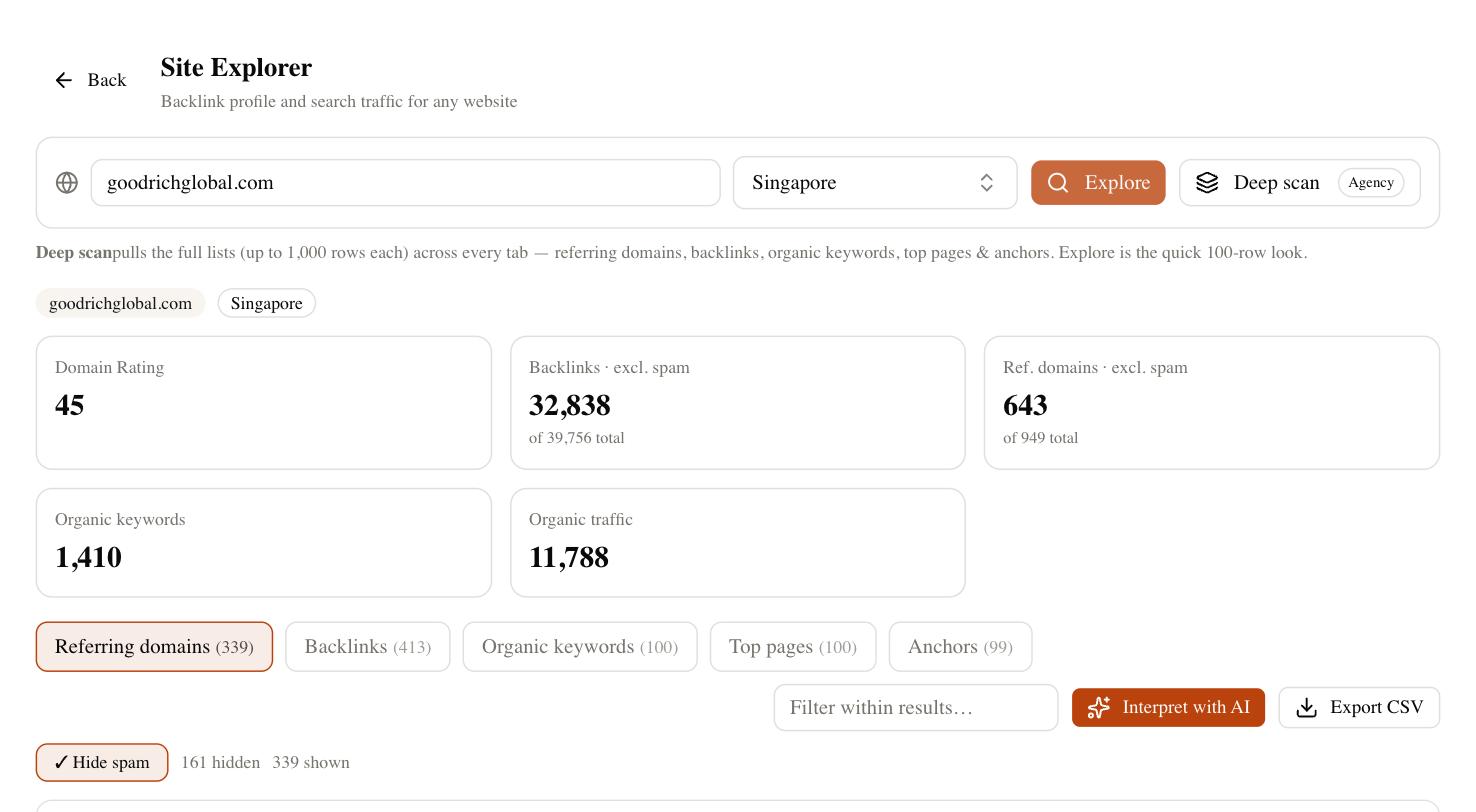
The saving is consolidation. The same tool that finds the issue can draft the corrected content, check whether you still rank for the affected pages, and hand a client a read-only dashboard without a single export. For a consultant or a small agency juggling several sites, that collapses a stack of subscriptions into one, and the entry pricing sits well below a comparable all-in-one suite. It also tracks whether your pages get cited in ChatGPT, Perplexity, and Google’s AI Overviews — the visibility layer traditional crawlers ignore entirely.
Be honest about the fit, though. If your whole day is spent inside a raw crawl tuning custom extraction rules across a million URLs, a dedicated desktop or cloud crawler still gives you more granular control. SEO Rocket is the strongest pick when your bottleneck is doing more work across more sites with fewer tools, which describes most people reading this.
Screaming Frog and Sitebulb — the crawler workhorses
Screaming Frog is the tool nearly every technical SEO learns first, and for good reason. It runs on your desktop, crawls fast, and gives you complete control over what it fetches and how. You can configure custom extraction, render JavaScript, compare crawls, and pull exactly the data you want. The annual license is inexpensive, and for small-to-mid sites it is hard to beat on raw capability.
Sitebulb takes the same crawl data and does the interpretation for you. Its standout is the “hints” system: instead of a flat list of issues, it ranks them by likely impact and explains why each one matters, which is a genuine time-saver when you hand work to a junior or a client. If Screaming Frog feels like a spreadsheet and you want the tool to point at the fires first, Sitebulb earns its slightly higher price. Neither one, though, writes the fix or tracks rankings — that stays your job.
Ahrefs and Semrush site audits
If you already pay for Ahrefs or Semrush, their built-in site audits are the obvious default, and they are good. The advantage is context: an Ahrefs audit sits next to your backlink profile and keyword data, so you can see that the broken page you are about to fix is also the one earning your best links. Semrush pairs its audit with scheduled re-crawls and a broad marketing suite around it.
The catch is cost and focus. Both are priced for the full platform, so you are paying suite money for the audit module, and both are keyword-and-backlink tools first with technical auditing as a strong secondary feature. If technical work is your core need rather than a side quest, a dedicated crawler often digs deeper for less. Buy these when the audit is a bonus on a subscription you already need.
Google Search Console and log analysis
No paid tool replaces Google Search Console, and it is free. It is the only source that tells you what Google actually indexed, which URLs were excluded and why, how your Core Web Vitals score on real user data, and which queries you rank for. Every audit should start and end here, because a third-party crawler can flag a problem that Google has already forgiven — or miss one only Google can see.
For very large sites, server-log analysis is the layer above crawling. Tools like JetOctopus join a cloud crawl to your raw log files so you can see how often Googlebot actually visits each section, where crawl budget leaks into junk parameters, and which valuable pages go weeks without a visit. That is overkill for a 500-page site and essential past a few hundred thousand URLs. Match the depth to the site, not to the sales page.
How to choose your technical SEO tool
Match the tool to your real constraint. If you audit a handful of sites and want the whole loop — find the issue, fix the content, prove the ranking, report to the client — in one place, SEO Rocket is the natural move. If you live inside raw crawl data on small-to-mid sites, Screaming Frog with Sitebulb alongside it is a proven pair. If you already pay for Ahrefs or Semrush, use the audit you are already funding. And if you run an enterprise site where crawl budget is the fight, add log analysis on top of Search Console.
A quick test: write down the last three technical tasks you actually finished. If they were “find broken links,” “fix a title tag,” and “send a client a report,” you do not need enterprise crawler money — a leaner, AI-native tool covers that loop faster. If instead they were “trace Googlebot across two million URLs,” buy the specialist. The best tool is the one that matches how you spend Tuesday, so run your own site through two or three for a week and keep whichever answers your real questions with the least friction.