
Learning how to do an SEO audit is really about learning to look at your site the way a search engine does — as a set of pages that either load fast, answer a query, and earn links, or don’t. A good audit is not a 200-point checklist you dread. It is a short, repeatable pass that finds the handful of problems actually holding you back, ranks them by impact, and hands you a list you can start clearing this week.
This guide walks through how to do an SEO audit in the order that matters: crawlability first, because a page search engines can’t reach can’t rank; then on-page and content; then links and performance. You can do the whole thing with free tools and patience, or run it in minutes with a purpose-built crawler. Either way, the steps are the same.
What an SEO audit actually tells you
An audit answers one question: what is stopping your pages from ranking as well as they could? That breaks into four buckets. Technical health — can search engines crawl and index your pages at all. On-page quality — do your titles, headings, and content match what people search for. Authority — do enough credible sites link to you. And experience — does the page load quickly and work on a phone.
Most sites are not failing on all four. They are usually strong on two and quietly leaking traffic on one. The point of the audit is to find which one, not to generate a report so long nobody acts on it. Budget two to four hours for a first pass on a small site, and treat anything over a day as a sign you’re gold-plating.
Step 1: Crawl your site and check what’s indexed
Start where the search engine starts. Run a crawler across your domain so you can see every URL, its status code, and whether it’s blocked. You are looking for pages returning 404 or 500 errors, chains of redirects, and anything accidentally set to noindex. Then open Google Search Console‘s Pages report and compare: if you have 400 published pages but only 120 are indexed, that gap is your first and biggest finding.
Also confirm the basics that quietly break indexing. Check that your robots.txt isn’t blocking important directories, that an XML sitemap exists and is submitted, and that your canonical tags point where you intend. These are cheap to fix and disproportionately costly to ignore.
Step 2: Review titles, meta descriptions, and headings
With the crawl data in hand, sort by page and check on-page fundamentals. Every important page needs one clear <title> that includes its target term near the front, a single <h1>, and a meta description that earns the click. The common failures are dull but real: duplicate titles across dozens of pages, missing descriptions, and H1s that say “Home” instead of what the page is about.
Do not obsess over character counts to the pixel. A title that reads naturally and matches search intent beats one stuffed with keywords every time. Flag the pages where the title and the actual content have drifted apart — that mismatch is a ranking killer that no amount of link building fixes.
Step 3: Audit your content against search intent
Technical fixes get you eligible to rank; content gets you there. Take your ten most important pages and ask, honestly, whether each one is the best answer for its query. Compare each against the weakest result currently on page one — not the market leader. If a thin 300-word page is beaten by a competitor’s thin 400-word page, you don’t need a 3,000-word essay, you need a slightly better version of what already ranks.
Look for three content problems specifically:
- Thin or outdated pages — content that no longer reflects current facts, prices, or your own offering.
- Keyword cannibalization — two or three of your own pages competing for the same term, splitting the authority that should sit on one.
- Coverage gaps — questions your audience clearly asks that you have no page for at all.
This is where an AI-assisted tool earns its place. A competitor-gap analysis surfaces the terms rivals rank for and you don’t, and turns “write more content” into a specific, prioritized list.
Step 4: Check backlinks and site authority
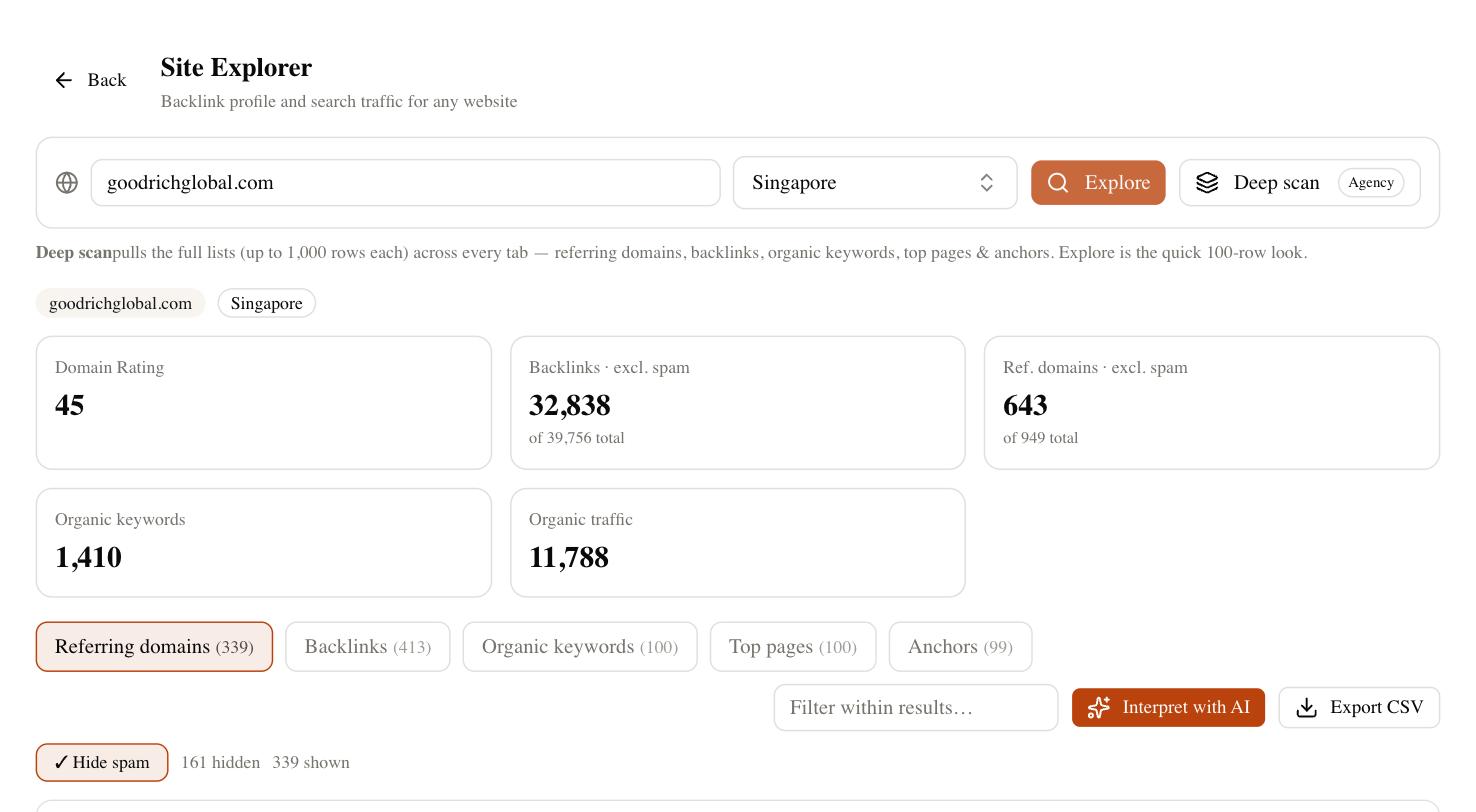
Pull your backlink profile and look at two things: how many distinct domains link to you, and whether any of them are spammy enough to worry about. For most sites the finding is simply that you have fewer referring domains than the pages outranking you — which tells you promotion, not more auditing, is the next job. Be honest here: links are necessary but not sufficient. A strong profile behind thin content still loses.
Resist the urge to build a giant disavow file. Google is good at ignoring obvious junk on its own, and disavowing links you don’t understand does more harm than good. Reserve it for a genuine, unnatural-link problem you can clearly see.
Step 5: Test speed, mobile, and core web vitals
Finish with experience. Run your top templates — homepage, a category page, a product or article page — through a page-speed test and check the Core Web Vitals: loading, interactivity, and visual stability. The usual culprits are oversized images, render-blocking scripts, and layout that jumps as the page loads. Then load the same pages on an actual phone. Google indexes the mobile version first, so if it’s cramped or slow on a handset, that’s the version being judged.
Set a realistic bar. You are not chasing a perfect 100 score; you are clearing the “poor” thresholds and making the page usable. Diminishing returns kick in fast past “good.”
Doing it faster with SEO Rocket Site Audit
You can run every step above by hand, and for a five-page site that’s fine. Once you’re auditing a real site — or several client sites — the manual version stops scaling. SEO Rocket’s Site Audit crawls the domain, returns a single site-health score, and lists the on-page and technical issues grouped by type, each mapped to the exact pages affected. Instead of a raw crawl dump, you get the prioritized shortlist an audit is supposed to produce.
Because SEO Rocket is chat-first, the audit connects to the rest of the workflow. The same tool holds Ahrefs-grade backlink and keyword data, so when the audit flags a thin page you can check what it should rank for and draft the fix without switching apps. It won’t invent problems to look busy, and it won’t promise overnight results — no honest tool can. What it does is compress a four-hour manual pass into a few minutes so you spend your time fixing, not cataloging.
What to fix first — and how long it takes
A pile of findings is not a plan. Rank them by impact against effort and work top-down. Anything blocking indexing comes first, because it gates everything else. On-page fixes to pages that already get impressions come next — those move fastest. Content rewrites and link building are slower burns that pay off over months, not days.
Set expectations honestly. Technical fixes like unblocking a directory can show up within a crawl cycle, sometimes days. On-page changes to pages already indexed often move within two to four weeks. Content and authority work is a three-to-six-month arc, and rankings jitter a few positions day to day the whole time, so don’t judge a change on a single day’s data. The value of knowing how to do an SEO audit is not the report — it’s that you now fix the right things in the right order and stop guessing.