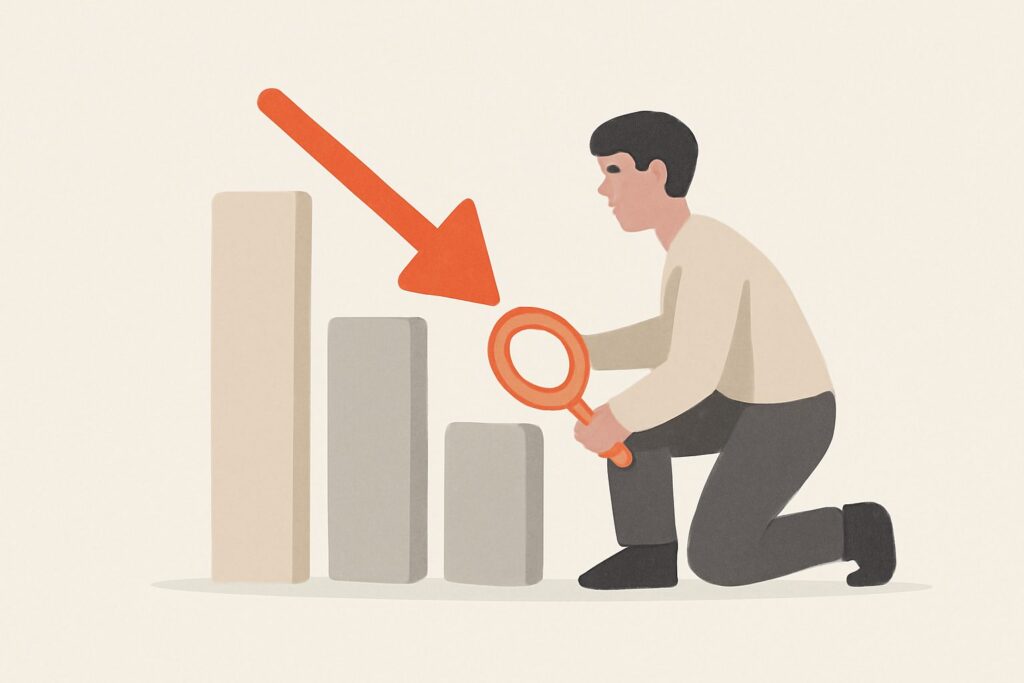
The single biggest mistake people make when researching how to recover lost rankings is jumping straight to a fix before confirming the cause. A ranking drop can come from a broad algorithm update, a technical problem like accidental noindex tags or broken internal links, content that’s aged out of relevance, a competitor simply publishing something better, or — much less often than people assume — an actual link-based penalty. Backlinks get blamed disproportionately because “disavow some links” feels like an action you can take, but if the real cause is technical or content-related, disavowing does nothing and wastes the time you should be spending on the actual fix. This guide walks through diagnosis first, then the recovery paths for each likely cause.
Step 1: Confirm the Drop Is Real and Scoped
Check whether the drop is one page, a group of pages, or the whole site, and whether it happened suddenly or gradually. A sudden site-wide drop on a known algorithm update date points to a broad core update. A single-page or single-section drop points to something specific to that content — technical issue, content decay, or a competitor outranking you. A gradual multi-month decline usually points to content or relevance decay rather than any single event. Pull rankings history for the affected pages before doing anything else; guessing the shape of the drop from memory is unreliable.
Step 2: Rule Out the Common, Boring Causes First
| Check | What to look for |
|---|---|
| Search Console coverage report | Pages accidentally noindexed, blocked by robots.txt, or removed from the index |
| Recent site changes | A redesign, migration, URL structure change, or template edit around the drop date |
| Manual actions | Security & Manual Actions section — confirms or rules out a real penalty |
| Core update timing | Cross-check the drop date against known Google core update rollouts |
| Competitor movement | Did a competitor page simply get better, longer, or more current than yours? |
| Content freshness | Has the page not been meaningfully updated while the topic or SERP evolved? |

Most ranking drops resolve to one of these — not to a backlink problem. Work down this list before considering link-based causes.
Step 3: Only Now, Check for a Link-Based Cause
A link-based cause is realistic in two cases: you have a confirmed manual action for unnatural links, or you can see a clear, sudden spike in spammy referring domains that lines up with the timing of the drop (a negative SEO pattern). Outside of those two cases, don’t spend cleanup effort on backlinks — Google’s systems are generally good at discounting low-quality links algorithmically rather than penalizing the site for having them. Pull the backlink profile to check, but go in expecting to rule this out, not confirm it.
Recovery Paths by Cause
Algorithm update
There’s no quick fix for a core update impact — the honest recovery path is improving the actual quality, depth, and usefulness of the affected content relative to what’s now ranking above you, and waiting for the next update cycle or a refresh crawl to reflect the improvement. Chasing “recovery hacks” for a core update is mostly wasted effort.
Technical issue
Fix the specific fault — remove an accidental noindex, restore a broken canonical, fix a redirect chain — then request reindexing via Search Console. Recovery here can be relatively fast once the technical cause is actually removed.
Content decay
Update the page: refresh outdated information, add depth competitors now have that you don’t, improve structure, and update the publish date if the update is substantive. This is often the most controllable recovery path because it doesn’t depend on Google’s update cycle.
Real link penalty
Only here does disavow enter the picture — build a disavow file for the confirmed toxic links, submit it, and if there’s a manual action, file a reconsideration request explaining the cleanup. Recovery timeline is weeks, not days, and depends on Google reprocessing the disavow and approving reconsideration.
Diagnostic Checklist
- Confirm scope: one page, a section, or site-wide
- Confirm timing: sudden or gradual, and against what date
- Check Search Console coverage and manual actions
- Review recent site changes around the drop date
- Compare against known core update timing
- Check whether competitors simply improved
- Only then check backlink profile for a genuine spike or manual action
- Match the fix to the actual cause — don’t default to backlink cleanup
Expected Recovery Timelines
| Cause | Typical timeline once the fix is applied | Notes |
|---|---|---|
| Technical (noindex, canonical, redirect issue) | Days to a few weeks | Depends on how quickly Google recrawls the page — requesting indexing can speed this up |
| Content decay | Weeks to a couple of months | Improvement needs to be recrawled, then earn re-evaluation against current competitors |
| Broad core update | Until the next update cycle | No guaranteed timeline; Google has said improvements are reflected on an ongoing basis, not instantly |
| Confirmed link penalty (manual action) | Weeks after reconsideration approval | Reconsideration review itself can take a couple of weeks to over a month |
| Negative SEO attack (no manual action) | Often no recovery action needed | If Google already ignored the links, there’s nothing to “recover” from on the link side |
Setting the right expectation matters as much as picking the right fix — teams that expect a core-update recovery in days end up making unnecessary, sometimes harmful changes out of impatience, including reaching for a disavow file that was never the actual problem.
A Note on Diagnosis Discipline
It’s tempting to work on two or three theories at once — refresh the content and disavow some links and fix a redirect, all in the same week — but that makes it impossible to know what actually worked, and it means you can’t rule anything out for next time. Where the situation allows it, change one variable, give it a reasonable window to show effect (a few weeks for anything short of a core update), and only then move to the next theory if nothing changed. This is slower in the moment but faster overall, because it stops you from re-litigating the same ranking drop three months later with no clearer picture of the cause than when you started.
Where Backlink Monitoring Fits
Even though backlinks are rarely the cause, it’s still worth knowing your referring domain trend so you can rule it in or out quickly rather than guessing. SEO Rocket’s Site Explorer shows a domain’s full backlink profile with toxic/spam links flagged automatically, so checking “did something spammy spike right before the drop” takes minutes instead of a manual export-and-sort exercise.
Monitoring Recovery
Whatever the cause, track rankings for the specific affected pages and queries rather than only watching overall traffic — overall traffic can mask a real recovery on the pages that matter, or hide a continued decline behind gains elsewhere. Rank tracking over weeks, not days, gives a truer read than checking daily, since normal ranking fluctuation can look like recovery or further decline when it’s neither.
FAQ
How long does ranking recovery usually take? Technical fixes can show movement within days to a couple of weeks after reindexing. Content and link-penalty recovery typically takes weeks to a couple of months. Core-update-related drops depend on the next update cycle.
Should I disavow links to try to recover rankings even without a manual action? Generally no — without a manual action or a clear spam attack, disavowing is unlikely to help and can occasionally remove links that were contributing positively.
What if I can’t find any clear cause? This happens. Focus on the controllable levers — content quality, technical health, and page experience — rather than waiting for certainty on the exact cause.
If you want to check rankings history and backlink trends together instead of piecing it together from separate exports, SEO Rocket keeps both in the same chat-first workspace. Free plan available; paid plans from $49/mo.