
SEO for WordPress gets a bad reputation it doesn’t quite deserve. The platform powers a huge share of the web precisely because it’s flexible, but that flexibility is also why so many WordPress sites leak rankings — a stray plugin, a bloated theme, or a default setting nobody revisited. The good news is that most of the wins are boringly repeatable, and none of them require touching code you’re scared of.
This guide walks through the highest-leverage moves for SEO for WordPress in the order that actually matters: fix the foundation, make it fast, then win on content. Along the way you’ll see where a tool like SEO Rocket saves you from opening six tabs to answer one question.
What makes WordPress different from a hand-built site
On a static or custom-built site, what ships is what you designed. WordPress is the opposite — it assembles each page at request time from a theme, a stack of plugins, and a database, and every one of those layers can quietly hurt search performance. A theme might render an H1 twice. A slider plugin might load 300KB of JavaScript on a page that doesn’t use it. A “helpful” default might publish thin tag and author archive pages that compete with your real content for the same terms.
None of that shows up unless you go looking. So the WordPress-specific skill isn’t writing meta tags — any plugin does that for you — it’s auditing what the platform generates on your behalf and pruning the parts that work against you. A page that looks clean in the editor can ship three competing H1s, a canonical pointing at the wrong URL, and half a megabyte of scripts the visitor never triggers. Get that mindset right and the rest is straightforward.
Fix the technical foundation first
Start with the settings that are cheap to change and expensive to ignore. Under Settings, set your permalinks to the post-name structure so URLs read as words, not ?p=123. Confirm your site loads on one canonical version — either with or without the www, over HTTPS — and redirect the rest. These take five minutes and prevent months of diluted signals.
Then pick one SEO plugin and commit to it. Yoast, Rank Math, and SEOPress all cover the essentials well: title and description templates, XML sitemaps, schema markup, and control over which archive types get indexed. Running two at once is a classic mistake — they fight over the same output and you end up with duplicate tags. The plugin’s real value is the archive controls: noindex your tag pages, date archives, and author archives unless you have a deliberate reason to keep them, because on most blogs they’re thin duplicates that spread your crawl budget thin.
- Permalinks: post-name structure, no dates or numbers.
- One SEO plugin: never two — they collide.
- Archives: noindex thin tag, date, and author pages.
- Sitemap: submit the plugin’s XML sitemap in Google Search Console.
- Media: attachment pages should redirect to the file, not exist as their own indexable URLs.
Speed is a WordPress-specific problem
Core Web Vitals matter everywhere, but WordPress makes speed genuinely harder because the plugin ecosystem encourages bloat. Every plugin you install can add CSS and JavaScript to every page, whether that page uses it or not. The average underperforming WordPress site isn’t slow because of one big problem — it’s slow from twenty small ones stacked together.
The fixes are well-trodden. Add a caching plugin so pages serve as static HTML instead of being rebuilt on every visit. Put a CDN in front of your assets. Compress and lazy-load images, and serve them in WebP — images are the single biggest payload on most WordPress pages. Audit your plugin list quarterly and delete anything you’re not actively using; a deactivated plugin still bloats your database and widens your attack surface. If your theme ships a page builder you don’t need, the leanest fix is often switching to a lighter theme rather than fighting the one you have.
Content is still where rankings are won
All the technical work above is table stakes — it clears the path, it doesn’t win the race. Rankings still come down to publishing pages that answer a real query better than the weakest result currently on page one. That benchmark matters: you’re not competing against the best guide ever written, you’re competing against the worst page Google currently rewards for that term, and on most keywords that bar is lower than people assume.
WordPress helps here because publishing is frictionless, which is also its trap — it’s easy to pump out thin posts that cannibalize each other. Before you write, know the keyword, its rough search volume, and how hard the current page-one field actually is. Third-party difficulty scores are estimates, not verdicts, so treat them as a starting read and sanity-check them against the pages actually ranking. This is where guessing costs you the most, and where real data pays for itself.
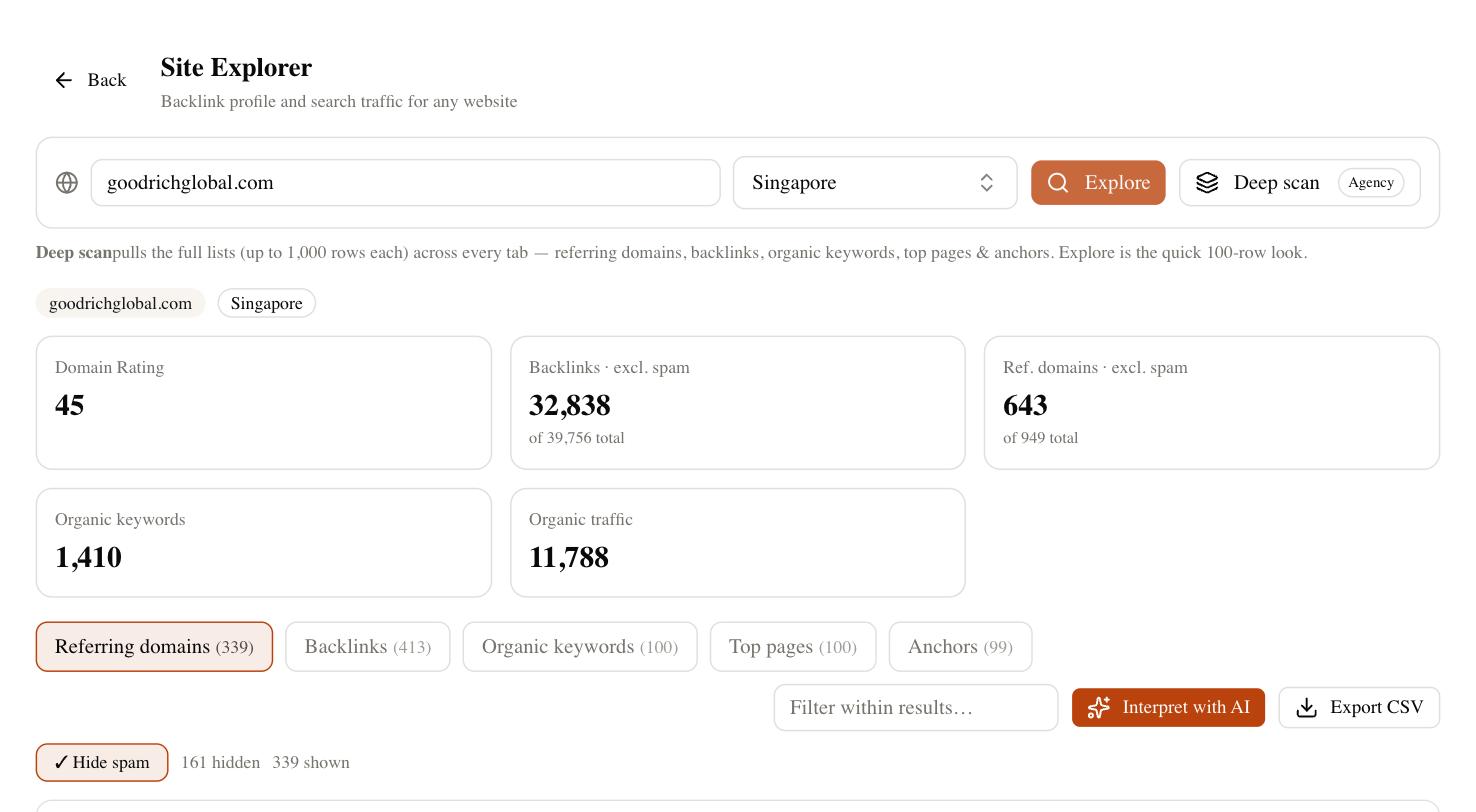
With SEO Rocket you ask for that research in plain language and it runs against real, Ahrefs-grade data — keyword difficulty, volume, and the competitor pages already ranking — then drafts the article with Claude. The same workspace runs a site audit that flags the WordPress-specific issues above (missing titles, duplicate H1s, orphaned pages, slow templates) and shows the affected URLs, so you fix the pattern once instead of hunting page by page. For anyone managing several WordPress sites, that consolidation is the point.
Common WordPress SEO mistakes
Most sites lose rankings to the same short list of avoidable errors. Run through it honestly before you blame the algorithm.
- Indexing thin archives — tag and date pages competing with your posts for the same terms.
- Two SEO plugins — duplicate meta tags and canonical conflicts.
- Ignoring image weight — uncompressed hero images tanking your load time.
- Keyword cannibalization — three shallow posts on one topic instead of one strong page.
- Set-and-forget plugins — outdated add-ons slowing the site and opening security holes.
- No internal linking — new posts published into a vacuum with nothing pointing at them.
- Skipping Search Console — flying blind on what Google actually indexes and how it ranks.
A realistic starting plan
Don’t try to do everything at once. Spend your first afternoon on the foundation — permalinks, one SEO plugin configured, thin archives noindexed, sitemap submitted to Search Console. That alone clears the most common blockers and it’s a one-time job.
Week two is speed: caching, a CDN, image compression, and a plugin cull. Measure before and after with a Core Web Vitals check so you know the changes landed rather than assuming they did. From there, the work becomes a steady rhythm of content — pick keywords you can realistically rank for, publish pages that beat the current weakest result, link them into the posts you already have, and track positions over a full cycle before you judge anything. Rankings jitter a few spots day to day, so give a new page four to eight weeks before you decide it worked. WordPress rewards consistency more than cleverness, and that’s genuinely good news, because consistency is something you control.