
Every website migration is, at its core, the same problem wearing a different costume. Whether you’re moving to a new content management system, redesigning the site, switching from HTTP to HTTPS, changing domains, or restructuring your URLs, you’re asking search engines to forget what they knew about your old pages and learn a new map instead. Get that handoff wrong and you can lose months of ranking equity overnight. Get it right and search engines barely notice — traffic dips a little, then recovers on schedule. This guide is the master checklist for site migration SEO: the steps that apply to every type of migration, in the order they should happen. If you’re doing a more specific move, like an HTTPS switch or a full domain change, the mechanics are largely the same as what’s here, just with a few extra technical details layered on top.
What Counts as a “Migration” for SEO Purposes
Search engines care about migrations because URLs are the unit they index against. Anything that changes URLs, or changes what lives at a URL, is a migration in the SEO sense. That includes a full domain change, an HTTP to HTTPS switch, a subdomain-to-subfolder move, a CMS platform swap, a redesign that changes the folder structure, merging two sites into one, or even a large-scale rewrite of slugs for cleaner URLs. Some of these are small and contained; others touch every page on the site. The size of the migration determines how much redirect mapping and monitoring you need, but the underlying checklist doesn’t change. Treat every one of these as a project with a plan, not something you do casually over a weekend.
Before You Touch Anything: Benchmark the Current Site
You cannot tell whether a migration went well if you don’t know what “well” looked like beforehand. Before any changes go live, capture a full picture of the current site’s SEO state so you have something to compare against afterward.
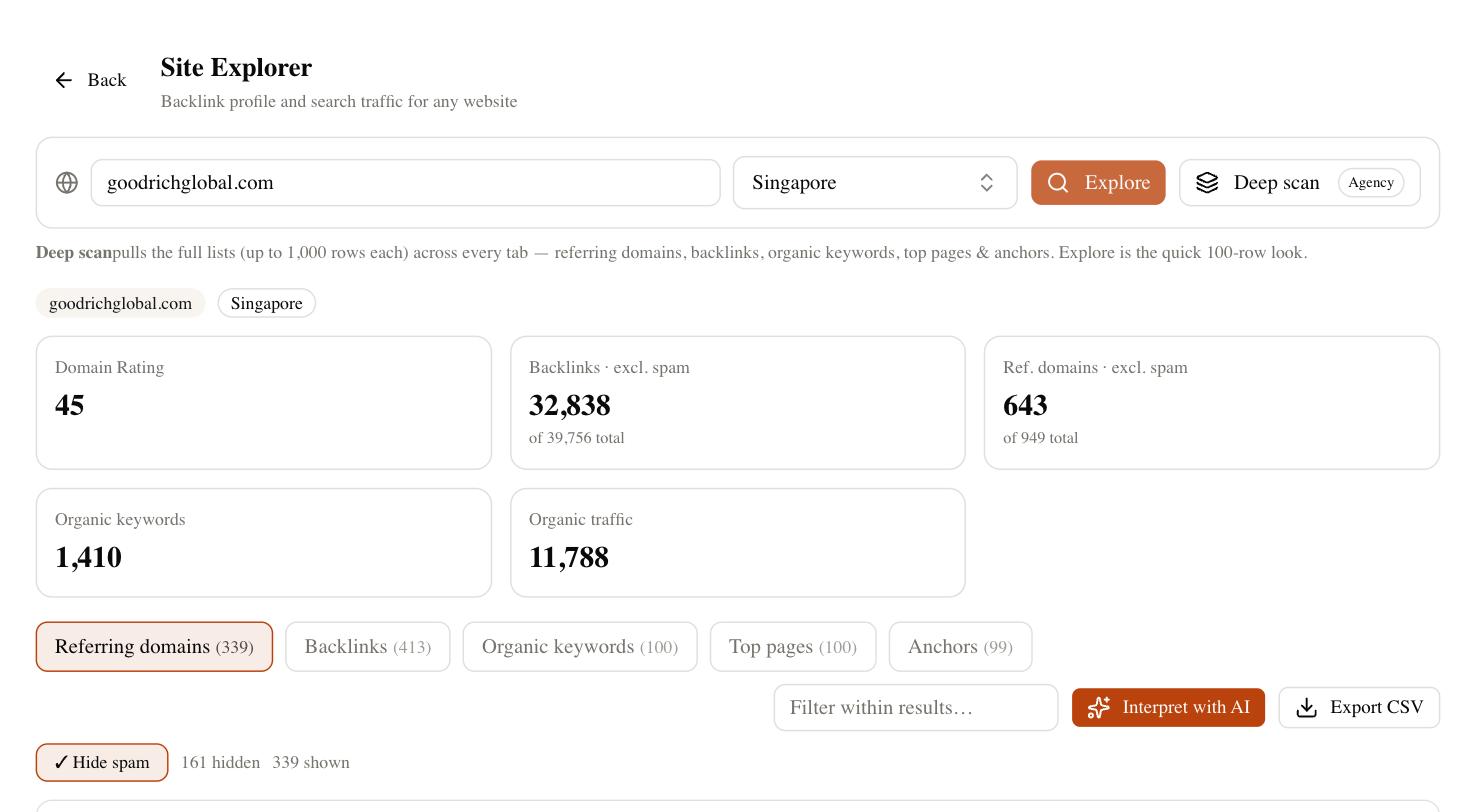
At minimum, record: a full crawl of every indexable URL, current organic rankings for your priority keywords, current organic traffic and conversion trends, your existing backlink profile and which pages attract the most links, your XML sitemap as it stands today, and your Google Search Console and analytics data going back at least three to six months. Export this data rather than relying on dashboards that might reset or change scope. If something breaks two weeks after launch, this benchmark is what tells you whether it’s actually a migration issue or normal seasonal fluctuation.
Build the URL and Redirect Map
This is the single most important document in any migration. The URL map is a spreadsheet listing every old URL and the new URL it maps to. It sounds tedious because it is tedious, but skipping it is the number one cause of migrations that tank rankings.
Every indexed URL needs a home in the new structure, mapped one-to-one wherever a genuine equivalent page exists. Redirects should point to the most relevant matching page, not blanket to the homepage — homepage catch-alls signal to search engines that you’ve abandoned the old content, and they pass little of the original page’s relevance forward. Where a page genuinely no longer has an equivalent, decide deliberately whether to redirect it to the closest topical match or let it return a proper 404 or 410. Use 301 (permanent) redirects for anything meant to be permanent; avoid 302s, which tell search engines the move might be temporary and can slow down the transfer of ranking signals.
| Old URL | New URL | Redirect Type | Notes |
|---|---|---|---|
| /blog/old-guide-title | /guides/new-guide-title | 301 | Direct content match |
| /products/widget-a | /shop/widget-a | 301 | Folder restructure only |
| /services/consulting-old | /services/consulting | 301 | Consolidated duplicate pages |
| /promo/2019-sale | 404 / removed | N/A | Expired content, no equivalent |
Staging Environment Rules
Build and test the new site on a staging environment that search engines cannot index. Password-protect it or block it with a noindex directive plus a disallow rule in robots.txt, and double-check both are actually working — it’s common for a staging noindex tag to accidentally get carried over into production, which quietly deindexes the entire live site after launch. Use the staging period to verify the redirect map works as intended, check that internal links point to final destination URLs rather than chains of redirects, confirm canonical tags reference the correct new URLs, and make sure the new XML sitemap is generated and accurate before it ever needs to go live.
Launch Day: What Has to Happen, and in What Order
Pick a low-traffic window and have your team available for the following hours, not just the moment of launch. On launch day: push the redirect map live and spot-check a sample of old URLs to confirm they resolve to the correct new pages with a single 301 hop, not chains. Remove any noindex tags or robots.txt blocks left over from staging. Submit the new XML sitemap in Google Search Console and Bing Webmaster Tools. Update internal links across the site to point directly at new URLs rather than relying on redirects to catch them. If the migration involved a domain or protocol change, verify the new property is set up correctly in Search Console before submitting the sitemap. Keep the old and new benchmarking tools running side by side so you can watch crawl stats and indexing status change in real time.
The First Two Weeks: Monitoring and Fast Fixes
Expect search engines to need time to recrawl and reprocess the site. This is normal and not a sign anything is wrong. In the first two weeks, check daily for crawl errors and spikes in 404s in Search Console, confirm redirected pages are being picked up in the Page Indexing report, watch for any pages that got deindexed unexpectedly, and compare rankings for your priority keywords against the pre-migration benchmark rather than reacting to daily noise. Some ranking volatility during this window is expected and normal — search engines are re-evaluating a large batch of URLs at once, and rankings can wobble before settling. What you’re watching for is anything structural: redirect loops, missing pages that should have redirected, or a sitewide indexing block that slipped through.
Recovery Timeline: What to Expect and When to Worry
Full recovery generally tracks with how long it takes search engines to fully recrawl and reprocess the site, which depends heavily on site size and crawl frequency. Smaller sites with a handful of pages typically stabilize the fastest; larger sites with thousands of URLs take longer simply because there’s more to recrawl. A useful way to think about it: the redirect map is doing its job the moment old URLs resolve correctly, but rankings need a full crawl-and-reindex cycle to reflect it. If you’re still seeing indexing errors, redirect loops, or systematically missing pages well past that point, that’s when it’s worth digging into technical issues rather than waiting it out.
| Timeframe | What’s Normal | When to Investigate |
|---|---|---|
| Days 1-3 | Crawl errors as bots discover the change; some ranking wobble | Redirect loops, 5xx errors, noindex left live |
| Week 1-2 | Gradual reindexing of new URLs; old URLs dropping from index | Old URLs still ranking above new ones with no redirect firing |
| Weeks 3-6 | Rankings largely stabilizing near pre-migration levels | Traffic still well below benchmark with no clear cause |
| Beyond 6 weeks | Full recovery for most sites, occasional net gains from cleanup | Persistent losses — audit redirects and internal linking again |
Common Mistakes That Turn a Routine Migration into a Ranking Loss
Most migration disasters trace back to the same handful of avoidable errors: redirecting everything to the homepage instead of matching equivalent pages, leaving the old site’s robots.txt or noindex tags active on the new site, forgetting to update internal links so they still point through unnecessary redirect chains, submitting a sitemap full of URLs that don’t actually resolve, losing structured data or metadata in the platform switch, and treating the migration as a one-day event rather than a project with a monitoring tail. None of these are exotic problems — they’re checklist items, which is exactly why a checklist like this one is worth following closely rather than improvising.
Keep Watching After the Dust Settles
A migration isn’t finished when the new site goes live; it’s finished when rankings, traffic, and indexing have stabilized and you’ve confirmed nothing was quietly lost in the transition. SEO Rocket helps with exactly that stretch — it monitors your rankings and technical health continuously, both during and long after a migration, so you can catch redirect issues or ranking drops early instead of discovering them weeks later. There’s a free plan to get started, with paid plans from $49/month, at app.seorocket.ai.