This Yoast review skips the affiliate gloss and tells you what the plugin is actually good at, where it falls short, and whether the paid tier earns its money. Yoast SEO is the WordPress plugin most people install first, and for good reason — it handles the plumbing that a search engine needs to read your site properly. But “most installed” and “best for your situation” are not the same thing, and this Yoast review is written for people deciding where their money and attention should go in 2026.
Short version: Yoast is a solid on-page and technical helper for WordPress. It is not a research tool, it will not tell you what to write, and it has no idea whether your page ranks. Keep those boundaries in mind and it is hard to regret. Expect it to do the other half of the job and you will be disappointed.
What Yoast actually does
Yoast lives inside your WordPress editor and works on one page at a time. It generates and manages your title tags and meta descriptions, controls your XML sitemap, sets canonical URLs, handles robots directives, and writes the Open Graph and Twitter card tags that decide how a link looks when shared. It also outputs schema markup — article, breadcrumb, organization — so search engines get structured signals without you touching code.
The part everyone remembers is the traffic-light system. As you write, Yoast scores the post on two axes: an SEO analysis that checks your focus keyphrase against the title, headings, first paragraph, URL, and image alt text, and a readability analysis that flags long sentences, passive voice, and thin transition words. Green lights feel good. That feedback loop is genuinely useful for people who have never thought about on-page structure before.
Where Yoast is genuinely strong
The technical foundations are the real win. Getting canonicals, sitemaps, and schema right by hand is fiddly and easy to break; Yoast does it quietly and reliably across thousands of sites. For a small business owner or a blogger who just wants WordPress to stop shipping broken defaults, that alone justifies the install.
It is also an excellent teacher. The readability checks nudge non-writers toward shorter sentences and clearer structure, and the SEO checklist forces you to think about your keyphrase placement before you hit publish. Plenty of people learned the basics of on-page SEO from Yoast’s green and orange dots without ever reading a guide. The redirect manager in the paid tier is another quiet workhorse — it catches changed URLs and stops you bleeding link equity through 404s.
The real weaknesses
The traffic lights measure the wrong thing more often than the marketing admits. A post can score a perfect green by mentioning your keyphrase the required number of times, hitting the right density, and stuffing it into every heading — and that same post can read like it was written for a robot, because it was. Green does not mean “will rank.” It means “matches Yoast’s on-page rules,” which are a rough proxy at best. Chase the score too hard and you write worse content.
The bigger gap is everything Yoast cannot see. It has no keyword research, so it cannot tell you which phrase is worth targeting or what people actually search. It has no rank tracking, so it never knows if you moved from position 14 to position 6. It has no competitor data, no backlink index, and no view of your site beyond the single post open in the editor. You are optimizing in the dark for a keyphrase you picked on a hunch.
It is also worth being honest about scope creep. Recent versions bundle more upsells, more notifications, and an AI feature that suggests titles and descriptions — helpful in a small way, but nowhere near a substitute for real content research. And because Yoast is WordPress-only, none of it travels if your site lives on Shopify, Webflow, or a headless stack.
Yoast pricing and whether the paid tier is worth it
The free version covers the essentials for most sites: titles, meta, sitemaps, schema, and the analysis tools. The premium tier is a per-site annual subscription in the low tens of dollars a month when averaged out, and it adds internal linking suggestions, the redirect manager, multiple keyphrases per post, and removal of ads inside the dashboard.
Whether that band is worth it depends entirely on your site. Run a large content site with frequent URL changes and the redirect manager alone pays for itself. Run a five-page brochure site and the free version is all you will ever touch. The honest answer for most small sites is that free is enough, and the premium features are convenience rather than necessity.
Yoast versus an AI-native SEO tool
The useful comparison is not Yoast against another plugin — it is Yoast against the wider job of getting found. Yoast owns on-page hygiene. It does nothing about the strategy layer: what to write, whether it is working, and whether AI search engines even mention you. That is where a tool like SEO Rocket sits, and the two are complementary rather than competing.
| Capability | Yoast SEO | SEO Rocket |
|---|---|---|
| On-page tags & schema | Yes — its core strength | Guidance, not WordPress plumbing |
| Keyword research | No | Yes — Ahrefs-grade data |
| Rank tracking | No | Yes |
| Competitor & backlink data | No | Yes |
| AI content writing | Title/meta suggestions only | Full drafts with Claude |
| AI-search visibility | No | Yes — Brand Radar |
| Site audit | Per-post checks | Full-site health score |
| Platform | WordPress only | Any site |
| Rough price band | Free / low-$ premium | Entry-friendly $ |
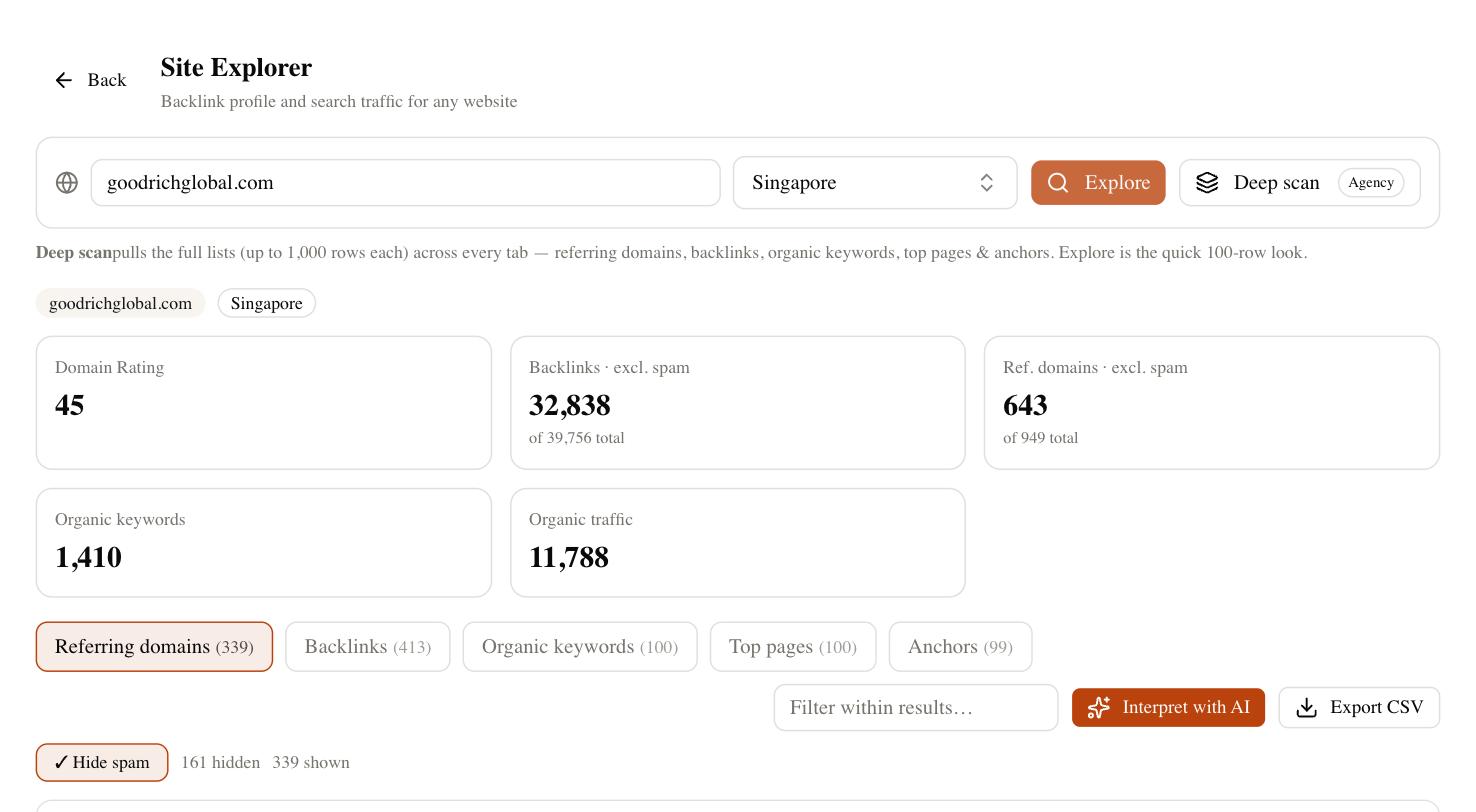
SEO Rocket is chat-first: you ask what to target, it pulls real keyword and competitor data, tells you where you rank, drafts the content, and shows whether ChatGPT, Perplexity, and Google’s AI Overviews cite your brand. Its site audit scores your whole domain rather than one post, so it catches the technical issues Yoast can only flag inside the editor. What it will not do is manage your WordPress meta tags on the page — that is still Yoast’s job, and running both is a perfectly reasonable stack.
Who Yoast is right for
Yoast is the right pick if you run a WordPress site and want the technical foundations handled without hiring a developer. Bloggers, small business owners, and anyone learning on-page structure get real value from the free version, and content-heavy sites with changing URLs get their money’s worth from premium. If your whole world is making WordPress output clean, well-structured pages, Yoast does that as well as anything.
It is the wrong tool if you expected it to do research, strategy, or measurement. Yoast will never tell you what to write, whether you are winning, or whether AI search engines mention you — and no amount of green lights changes that. For that half of the job you need a research and tracking tool alongside it, whether that is a traditional suite or an AI-native option that also drafts the content. Treat this Yoast review as permission to keep the plugin for what it is genuinely good at, and to stop expecting it to be the whole toolbox.